Azure Blob Rehydration (Deprecated)
Last updated
Was this helpful?
NOTE
This source has been deprecated and replaced with a new Azure Blob Rehydration source. While it will continue to function, it will no longer receive any enhancements and you should migrate to the new source.
Ensure you have access to an Azure Blob Storage account. Set up your Azure Blob Storage to store OTLP data in the required format for rehydration. More information on how to set this up can be found in the Azure documentation here.
Rehydrated data must be in OTLP format for correct processing. Ensure your data adheres to this format.
Linux
✓
Windows
✓
macOS
✓
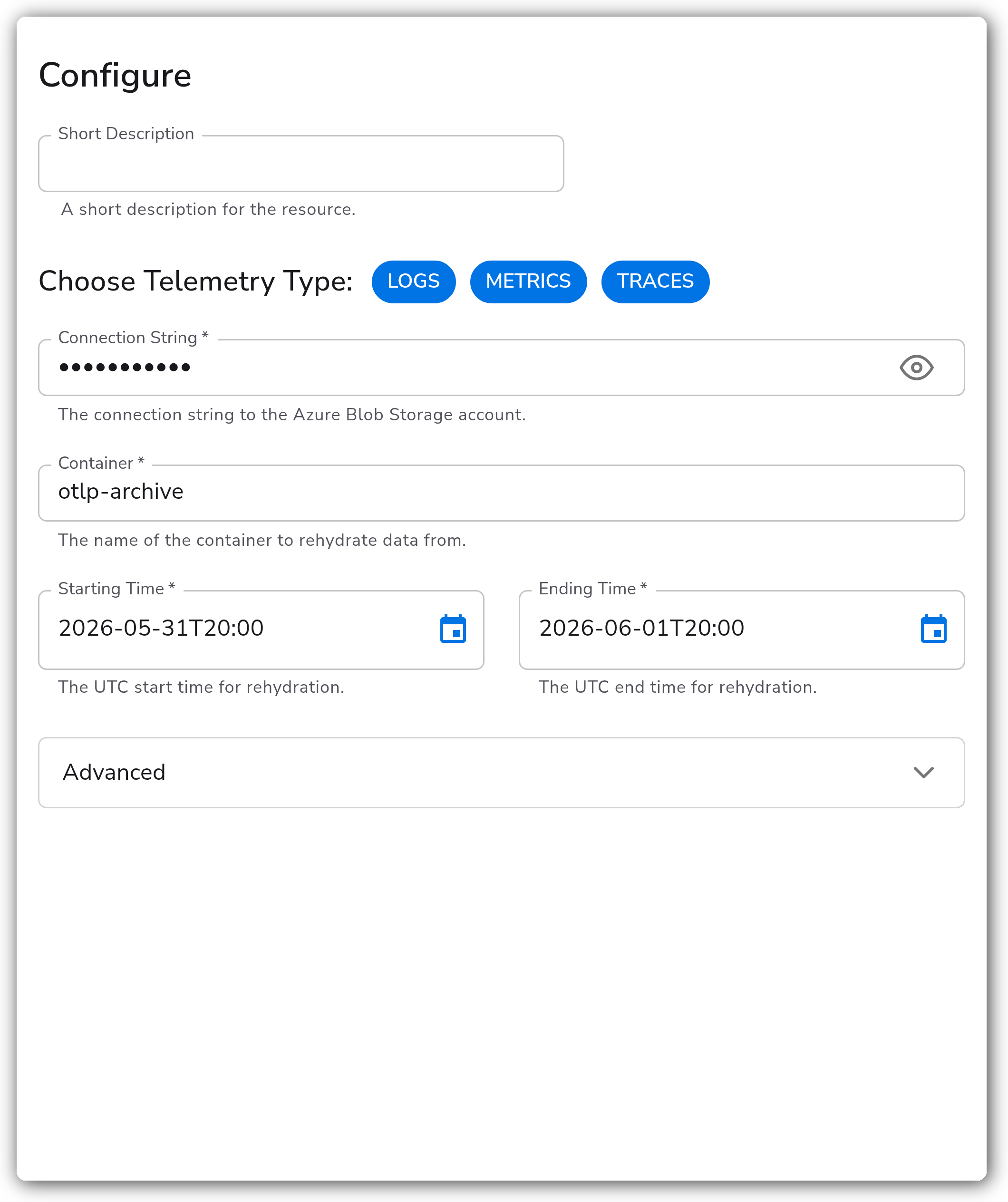
Connection String
The connection string for the Azure Blob Storage account.
Container
Name of the Azure Storage container from which to rehydrate data.
Poll Interval
The interval for checking new blobs, e.g., '1m' for one minute.
Starting Time
UTC start time for rehydration.
Ending Time
UTC end time for rehydration.
Delete on Read
If true, blobs are deleted after rehydration.
Enable Storage
Enable to specify a storage extension for tracking rehydration progress.
Storage Directory
Directory for storing rehydration state, useful for maintaining state and resuming operations. (Only relevant if Enable Storage is true)
This configuration sets up Azure Blob Rehydration with necessary details such as connection string, container, and time range for rehydration.

Adjust the Connection String, Container, Starting Time, and Ending Time to match your configuration.
Last updated
Was this helpful?
Was this helpful?