> For the complete documentation index, see [llms.txt](https://docs.bindplane.com/llms.txt). Markdown versions of documentation pages are available by appending `.md` to page URLs; this page is available as [Markdown](https://docs.bindplane.com/configuration/bindplane-otel-collector/persistent-queue/switching-queues.md).
# Switching Queues
This page explains how you can safely configure and edit your persistent queue without losing data.
## How to Prevent Data Loss When Switching Queues?
The principal danger when changing a destination's persistent queue configuration is data loss.
## Dangerous Edits
If a destination has a specific persistent queue configured, persists data to that queue, and then is restarted with a new persistent queue configuration before it is able to dequeue the persisted data, that data will be trapped in the old queue forever.
### Changing the persistent queue storage type
Changing from one persistent queue storage solution to another will result in a new queue being made for the new solution, with the old queue untouched.
### Changing the storage directory
Changing the persistent queue directory will result in a new queue being stored in the new location, with the old queue untouched.
## Safe Edits
This describes the steps to modify a destination's persistent queue configuration safely without data loss. If data loss is not a significant concern, the queue configuration can be modified however desired.
When the persistent queue is empty for a destination, its settings can be safely modified directly in the destination. Queue state can be monitored through [Internal Telemetry](/configuration/bindplane-otel-collector/internal-telemetry.md).
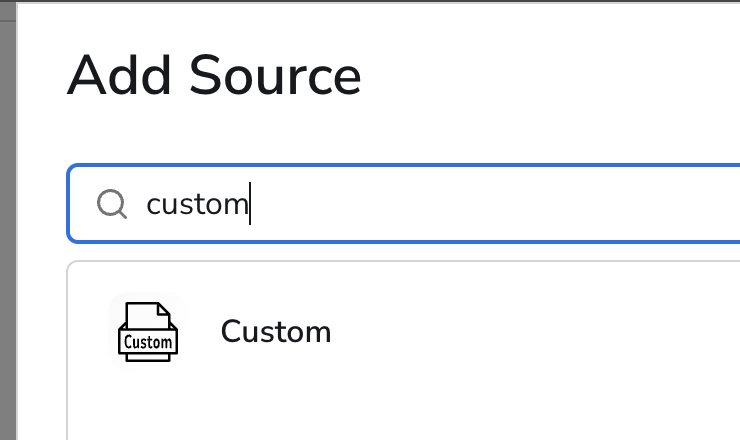
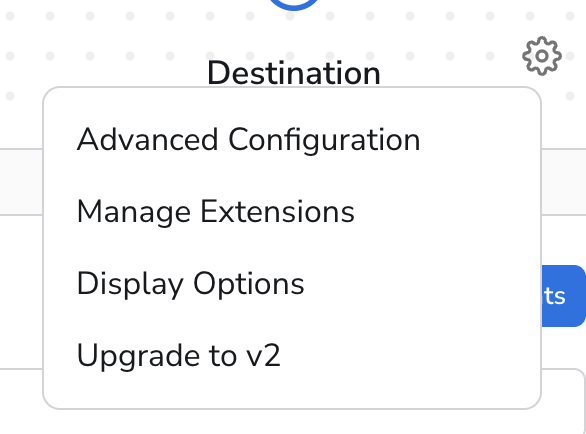
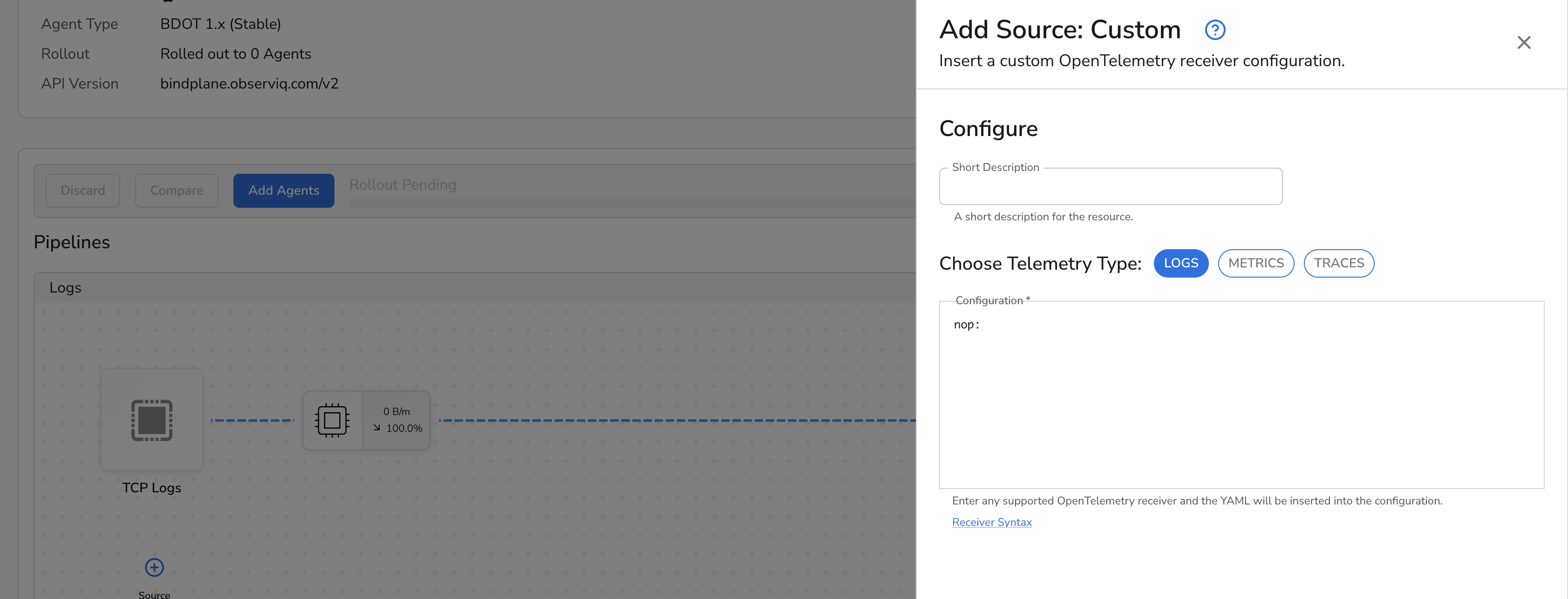
When the persistent queue is not empty, safe queue modification requires the [Custom](https://docs.bindplane.com/integrations/sources/custom) source and a `Version 2` configuration.
Let's say that you have a simple configuration sending TCP logs to an OTLP destination using a Bolt persistent queue.
Next, let's say that:
* this configuration is rolled out to a collector
* the Bolt persistent queue is not empty
* we'd like to change the persistent queue to be a Pebble persistent queue.
In order to achieve this, we're going to have to alter our configuration to have two pipelines - one that drains the existing Bolt persistent queue, and one which reroutes any new data to our new Pebble persistent queue. This can be achieved with a few easy steps:
First, we're going to duplicate our existing OTLP destination, but tweak the duplicate to use the Pebble persistent queue instead. Add this duplicate as a second destination to the configuration.
Second, we're going to add a new Custom source that won't send any logs.
Third, we're going to reroute all existing traffic away from the Bolt destination, to the Pebble destination.
Finally, we're going to add a route from the Custom receiver to the Bolt destination.
Once this is done, the configuration can be rolled out to the collector. The top pipeline will ensure that any new TCP Logs received are routed to the OTLP destination using Pebble as a persistent queue storage solution. The bottom pipeline will ensure that no new data will be sent to the Bolt persistent queue, and the existing data in the Bolt persistent queue will be sent to the OTLP destination.
Once the Bolt persistent queue has been drained (again, this can be monitored via [Internal Telemetry](/configuration/bindplane-otel-collector/internal-telemetry.md)), the bottom pipeline can be removed from the configuration, and it can be rolled out for a final time to the collector.
---
# Agent Instructions
This documentation is published with GitBook. GitBook is the documentation platform designed so that both humans and AI agents can read, navigate, and reason over technical content effectively. Learn more at gitbook.com.
## Querying This Documentation
If you need additional information that is not directly available in this page, you can query the documentation by asking a question.
Perform an HTTP GET request on the following URL with the `ask` and `goal` query parameters:
```
GET https://docs.bindplane.com/configuration/bindplane-otel-collector/persistent-queue/switching-queues.md?ask=&goal=
```
`ask` is the immediate question: it should be specific, self-contained, and written in natural language.
`goal` is what the user is ultimately trying to achieve, the reason they need the answer. Sharing it helps GitBook give you a better, more relevant answer. A goal is most helpful when it describes the outcome the user wants rather than restating the question. For example, with `ask=how do I create an API token`, a goal like `automate deployments from our CI pipeline` lets GitBook tailor the answer to that use case.
The response will contain a direct answer to the question and relevant excerpts and sources from the documentation.
Use this mechanism when the answer is not explicitly present in the current page, you need clarification or additional context, or you want to retrieve related documentation sections.
.png?alt=media&token=5064b5e0-3d7e-45e3-867a-6fb0c75c92a1)